
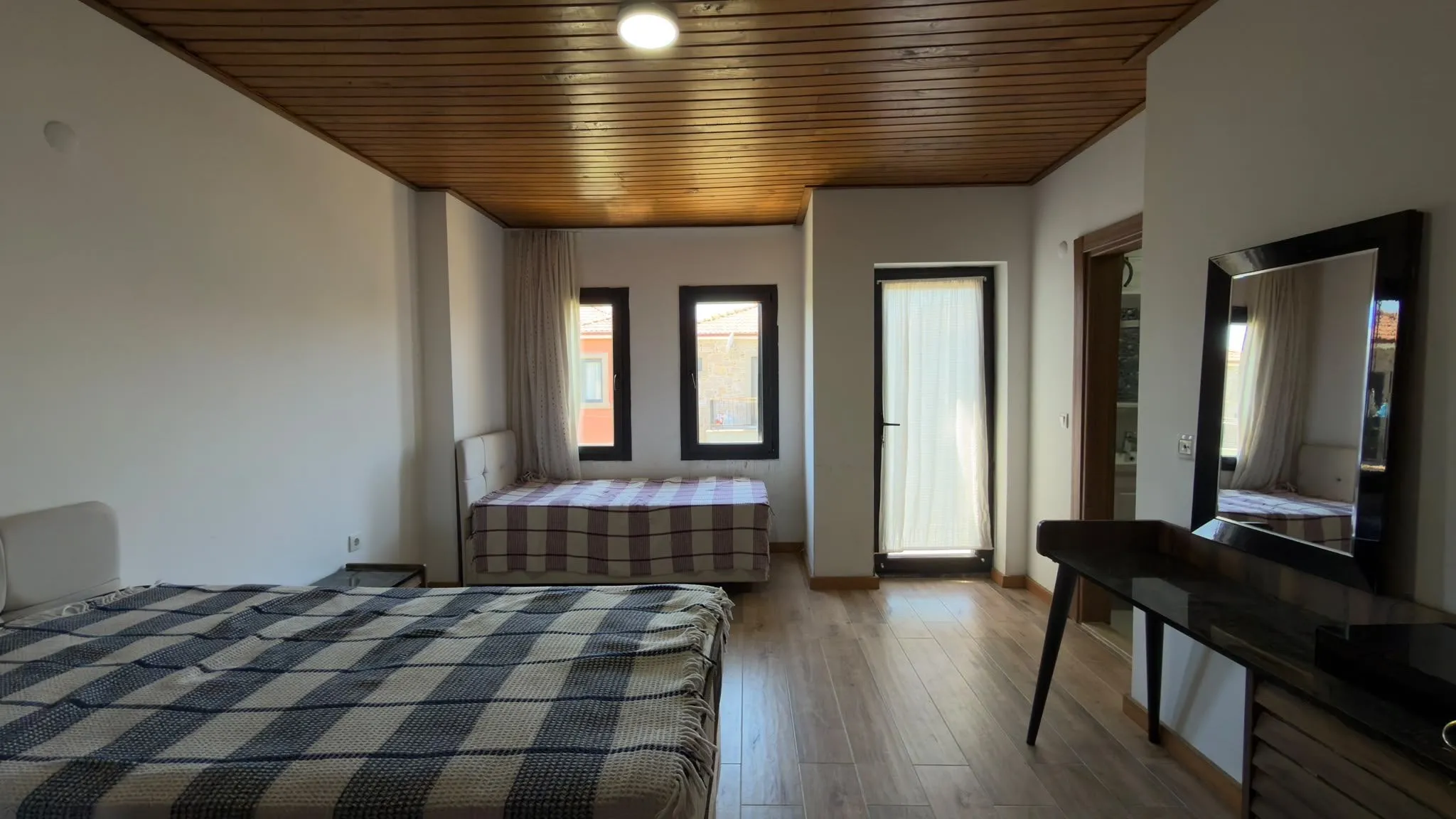
This post exists to review the blog design before real articles are written. Every real guide opens like this paragraph: a direct, two-to-three sentence answer to the question in the title, so readers and AI answer engines get the point immediately.
A second-level heading
Body text is set at 18px with a 720px measure for comfortable reading. Links look like this one to the home page, and inline code looks like this.
- Bulleted lists for steps that can happen in any order
- Short items, one idea each
- No more than six or seven items
- Numbered lists for steps that happen in order
- Each step starts with a verb
- The last step says what the result should be
A third-level heading
Callouts like this one hold a tip, a rule or a warning the reader should not miss.
| Platform | What to check | Where to confirm |
|---|---|---|
| MLS | Disclosure for virtually staged photos | Your local MLS rules |
| Zillow | Minimum image size | Zillow’s listing help pages |
| Airbnb | Photo quality guidelines | Airbnb host resources |
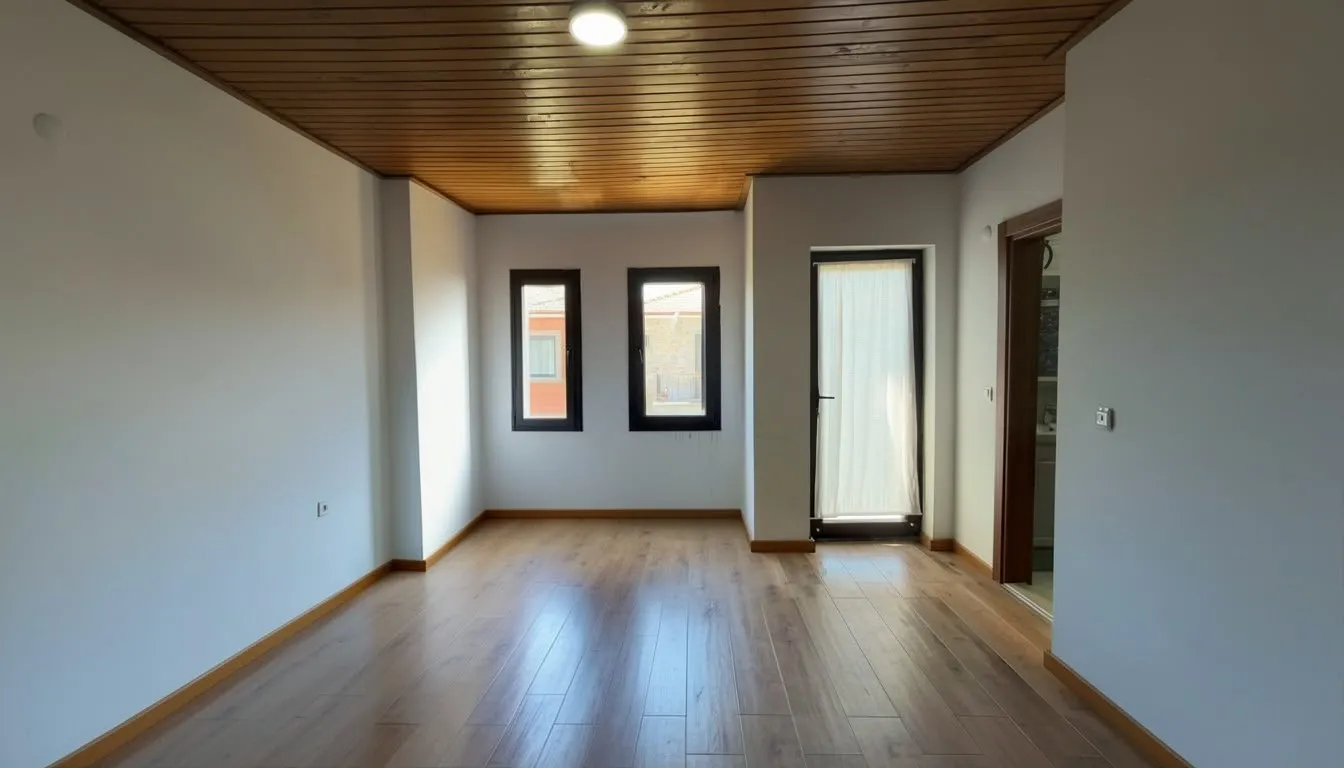
Images placed next to the post are resized and converted to WebP automatically:
What comes after the article
Below this point the template adds the FAQ, a call to action with both store links, a short author box and related posts that share a tag.